Professional Certificate in Design for Immersive Screens and Volumetric LED
The Professional Certificate in Design for Immersive Screens and Volumetric LED is a 100% online professional certificate (450 hours, 36 weeks) for anyone who wants to build a career in design for immersive screens and volumetric LED. You learn through practical modules and real case studies, guided by tutors with industry experience, and finish with a final project.
New intake every two months · Interest-free payment plans · ESINEV certificate of completion (non-accredited training).
Overview
The Professional Certificate in Design for Immersive Screens and Volumetric LED prepares you to work with confidence on projects related to Design for Immersive Screens and Volumetric LED. You will learn to:
- Analyse needs, risks and opportunities.
- Design realistic solutions, plans and procedures.
- Coordinate teams, vendors and resources.
- Define KPIs to measure and improve results.
Studying from Australia
This programme is delivered 100% online in English, so you can study from anywhere in Australia — Sydney, Melbourne, Brisbane, Perth, Adelaide or Auckland — and fit your learning around work. The skills covered apply directly to events across Australia, from conferences and exhibitions to weddings and festivals. Fees are shown in Australian dollars (AUD) and can be spread with interest-free instalments.
About your certificate
ESINEV programmes are non-degree professional training delivered 100% online. On completion you receive an ESINEV certificate of completion. ESINEV is a private online training provider: this programme is not an Australian degree or AQF qualification, and is not accredited by TEQSA or ASQA.
Your learning path
Curriculum
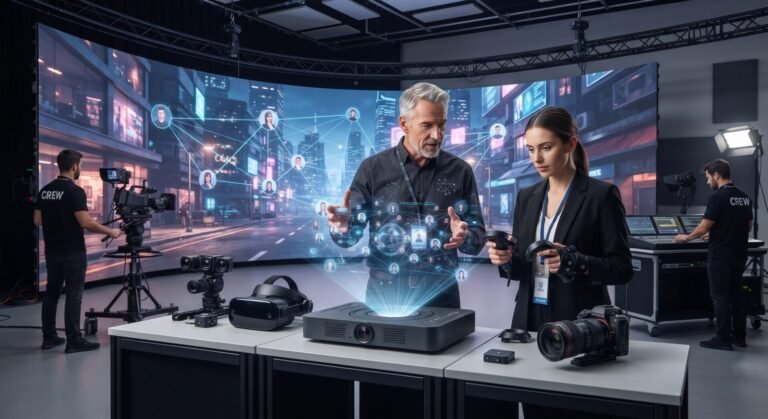
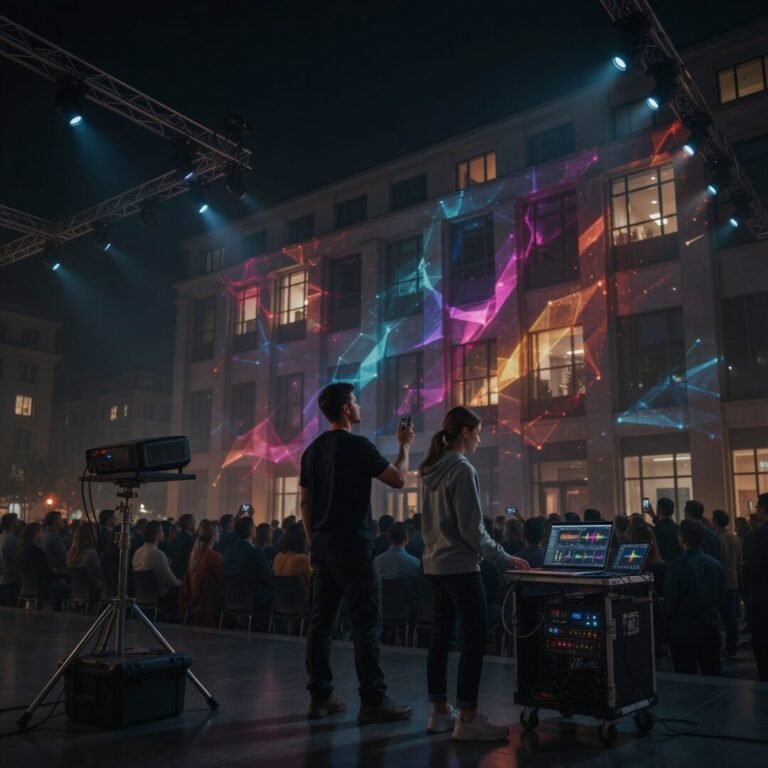
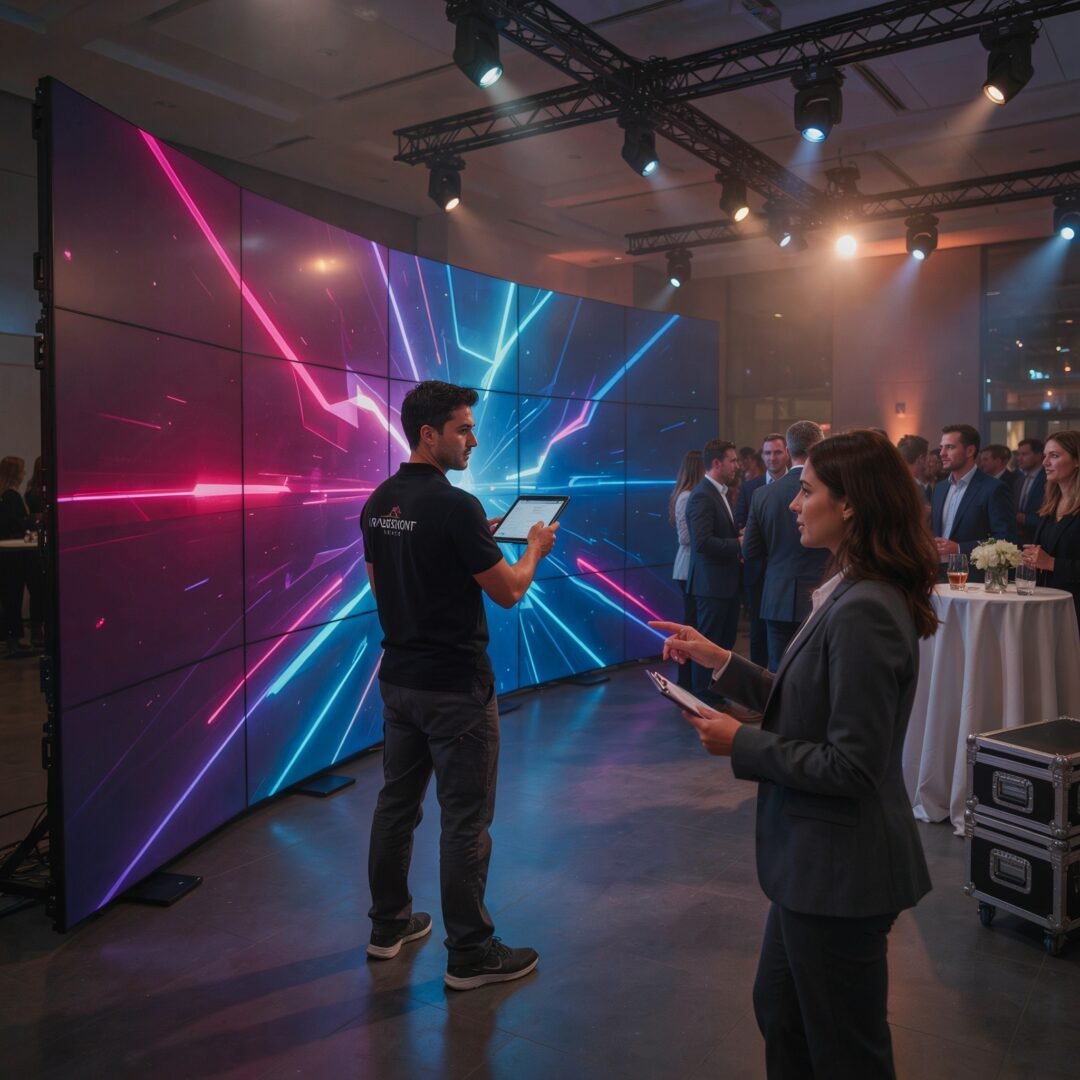
A 450-hour program in 8 modules to conceive, produce and operate event experiences using immersive screens, curved LED, and anamorphic and volumetric effects.
Submodule 1.1. How LED works
Understand the diodes, pixels, modules and panels that make up an LED screen.
Submodule 1.2. Pixel pitch and viewing distance
Choose the right pitch based on the audience's minimum viewing distance.
Submodule 1.3. Brightness, contrast and HDR
Adjust brightness and contrast to ambient lighting and cameras.
Submodule 1.4. Refresh rate and cameras
Avoid flicker and moiré in broadcasts and recordings.
Submodule 1.5. Flexible, curved and transparent LED
Select specialist LED formats for complex geometries.
Submodule 1.6. Floor and ceiling screens
Design walkable LED surfaces and immersive ceilings safely.
Submodule 1.7. Projection alternatives
Compare LED with projection and mapping according to context and budget.
Submodule 2.1. Immersive typologies
Analyze 360° rooms, domes, tunnels and LED cubes for events.
Submodule 2.2. Geometry and point of view
Design screen geometry around audience position and movement.
Submodule 2.3. Anamorphic illusion
Understand the forced perspective that creates glasses-free 3D effects.
Submodule 2.4. Volumetric and holographic displays
Explore volumetric LED, holographic gauze and the Pepper's Ghost effect.
Submodule 2.5. Integration with set design
Combine LED with structures, scenery and physical elements.
Submodule 2.6. Lighting and LED together
Coordinate show lighting so it doesn't wash out screen content.
Submodule 2.7. Spatial storytelling
Build narrative journeys through immersive spaces.
Submodule 3.1. Resolutions and pixel maps
Create pixel maps and templates at the true native resolution.
Submodule 3.2. Anamorphic content design
Produce anamorphic content tailored to the corner and viewing angle.
Submodule 3.3. Motion graphics for large formats
Design animations that are legible and effective on large-scale surfaces.
Submodule 3.4. Generative and real-time content
Generate reactive visuals with real-time engines and generative tools.
Submodule 3.5. Volumetric and 3D content
Prepare three-dimensional content for volumetric displays.
Submodule 3.6. Codecs and playback formats
Export content with the right codecs and bitrates for media servers.
Submodule 3.7. Content color and calibration
Manage color space and color consistency across screens.
Submodule 4.1. LED processors
Configure processors, receiver cards and module mapping.
Submodule 4.2. Media servers
Program media servers for multi-layer, synchronized playback.
Submodule 4.3. Signal, cabling and redundancy
Design signal paths with redundancy and failover backup.
Submodule 4.4. Synchronization with audio and lighting
Sync video, audio and lighting using timecode and control protocols.
Submodule 4.5. Sensor-based interactivity
Integrate depth cameras, tracking and sensors for interactive content.
Submodule 4.6. Virtual stages and XR
Understand the use of LED in virtual production and XR stages.
Submodule 4.7. Live show operation
Run cues and handle contingencies during the live show.
Submodule 5.1. Structures and supports
Select ground-stacked, flown and freestanding structures for LED.
Submodule 5.2. Load calculation and rigging
Verify weights, wind loads and anchor points with certified technicians.
Submodule 5.3. Electrical power and distribution
Calculate screen power consumption, distribution and protection.
Submodule 5.4. Thermal management
Control temperature and ventilation of screens and processors.
Submodule 5.5. Load-in and load-out
Plan timings, crews and sequences for LED installation.
Submodule 5.6. Audience and crew safety
Apply risk prevention measures during installation and operation.
Submodule 5.7. Outdoor installations
Adapt screens to rain, wind and sun exposure outdoors.
Submodule 6.1. Technical and creative brief
Translate creative goals into technical screen specifications.
Submodule 6.2. LED and content budget
Estimate rental, content, operation and logistics costs.
Submodule 6.3. Supplier selection
Evaluate LED, content and media server suppliers.
Submodule 6.4. Production planning
Draw up a schedule for content production and technical testing.
Submodule 6.5. Technical tests and rehearsals
Organize content tests on the actual screen before the event.
Submodule 6.6. Content and music rights
Manage licenses for content, music and visual works.
Submodule 6.7. Screen sustainability
Reduce energy consumption and transport in LED productions.
Submodule 7.1. Visitor experience design
Design the emotional experience and pacing of the immersive visit.
Submodule 7.2. Accessibility and photosensitivity
Avoid hazardous flashing and ensure the audience's visual comfort.
Submodule 7.3. Branding in immersive environments
Integrate the brand into immersive content without overwhelming the experience.
Submodule 7.4. Content for social media
Design photogenic, shareable moments for social media.
Submodule 7.5. Impact measurement
Measure dwell time, interaction and reach of the experience.
Submodule 7.6. Immersive business models
Analyze immersive exhibitions, sponsorship and venue monetization.
Submodule 7.7. Technology trends
Analyze the evolution of microLED, transparent and volumetric displays.
Submodule 8.1. Creative concept
Define the concept, audience and objectives of the experience.
Submodule 8.2. Space and screen design
Design the geometry, pitch and layout of the LED surfaces.
Submodule 8.3. Storyboard and content
Develop a storyboard and a prototype of anamorphic or immersive content.
Submodule 8.4. Technical system design
Specify processors, servers, signal and power.
Submodule 8.5. Production and installation plan
Plan the schedule, suppliers, installation and testing.
Submodule 8.6. Budget and measurement
Quantify the costs and success indicators of the experience.
Submodule 8.7. Final presentation
Present the project with visualizations and technical documentation.
Design an experience using immersive screens or volumetric LED, including concept, prototype content, technical design, budget and production plan.
Career paths
This program strengthens your profile for roles related to Design for Immersive Screens and Volumetric LED: project coordination, operations, consulting and specialised event services at agencies, venues, hotels and corporate event teams.
Admissions
- Request information
Leave your details and an adviser will contact you.
- Guidance call
We review your profile and career goals.
- Enrolment and access
Secure your place and get access to the campus.
Fees & payment
Indicative instalment. Please confirm payment terms with the admissions team.
Frequently asked questions
Is this an official degree?
On completion you receive an ESINEV certificate. It is not an official degree; recognition can be assessed depending on the programme you complete and local regulations.
How long is it and how many hours?
Duration: 36 weeks. Study load: 450 hours, designed to fit around your work.
Is it taught online?
Yes. It is 100% online, with a virtual campus, downloadable materials and tutoring from industry professionals.
Can I pay in instalments?
Yes. Payment: Up to 10 monthly payments. The admissions team will confirm the terms.
When can I start?
Classes start exactly one month after you enrol: if you enrol today, you start on 27 December 2026. Enrolment is open all year and closes every Friday.
Shall we talk about your future in events?
Leave your details and an adviser will walk you through the programme, dates and payment options.
WhatsApp